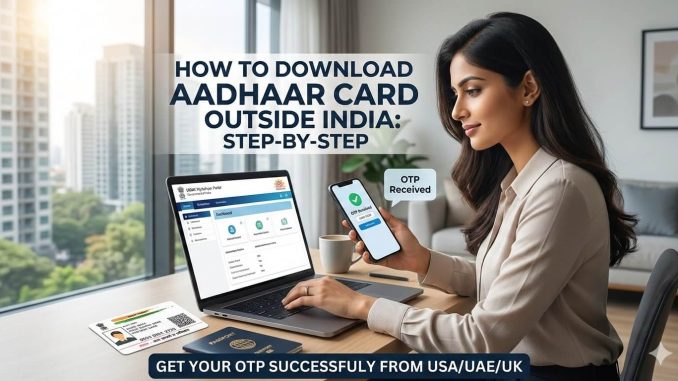
For Non-Resident Indians (NRIs), the Aadhaar card is more than just an ID—it’s the digital bridge to India. Whether you are filing your Income Tax Returns (ITR), managing your NRE/NRO accounts, or dealing with property transactions in Hyderabad or Bengaluru, you need your Aadhaar details.
However, the biggest hurdle is the dreaded “Access Denied” screen on the UIDAI website when trying to log in from abroad. In this guide, we will show you exactly how to bypass these geo-restrictions and successfully receive your Aadhaar OTP.
👉 Ready to get started? [Try Aeroshield for Premium NRI Access]
The Problem: Why Does the Aadhaar Website Fail Abroad?

The Indian government uses advanced geo-fencing. Most global VPNs (like Nord or Express) use IP addresses from large data centers. UIDAI’s security systems easily identify these as “non-residential” and block them to prevent cyber threats.
To gain access, your connection must look like it is coming from a Residential Indian ISP (a real home broadband connection in India).
Step 1: Secure a Residential Indian Connection
Before you even open the UIDAI portal, you need a specialized routing tool.
-
Avoid Free VPNs: They are almost always blacklisted and can compromise your sensitive data.
-
The Solution: Use Aeroshield. It uses the Shadowsocks (Outline) protocol to provide a residential-grade Indian node, making the UIDAI server think you are browsing from a home in Delhi or Mumbai.
Step 2: Access the MyAadhaar Portal
Once your residential connection is active:
-
Go to the official website: https://myaadhaar.uidai.gov.in/
-
Click on “Login”.
-
Enter your 12-digit Aadhaar Number and the Captcha code.
Step 3: The OTP Hurdle (Crucial)
This is where most NRIs get stuck. If the website doesn’t load correctly, the “Send OTP” button will either be greyed out or the request will time out.
-
With a residential node (Aeroshield), the request is recognized as “local.”
-
Click “Send OTP”.
-
The OTP will be sent to your registered Indian mobile number.
Note: Ensure your Indian SIM card is active on international roaming to receive the SMS. If you have an email linked to your Aadhaar, check your inbox as well.
Step 4: Download the E-Aadhaar PDF
-
Enter the 6-digit OTP you received.
-
Once logged in, select “Download Aadhaar”.
-
Choose whether you want a “Masked Aadhaar” (shows only the last 4 digits) or a regular one.
-
The file will download as a password-protected PDF.
Your PDF Password: It is a combination of the first four letters of your name in CAPITAL letters and your year of birth (YYYY).
Example: If your name is AMIT and you were born in 1990, your password is AMIT1990.
👉 Ready to get started? [Try Aeroshield for Premium NRI Access]
Summary Checklist for NRIs
| Feature | Standard VPN | Aeroshield (Residential) |
| UIDAI Access | Often Blocked | Guaranteed |
| OTP Trigger | High Failure Rate | Instant |
| Security | Shared IPs | Private Tunnel (Shadowsocks) |
| Logs | Varies | Zero-Log Policy |
Conclusion
Don’t let distance stop you from managing your Indian documentation. By using a residential routing solution like Aeroshield, you can bypass the “Access Denied” wall and get your Aadhaar PDF in minutes.